Build a tile library with useful variety
Tiles are the tiny contributors that make the big picture possible. A good library isn't your best photos; it's a palette, with enough darks, lights and in-betweens to paint any cell the main image asks for.
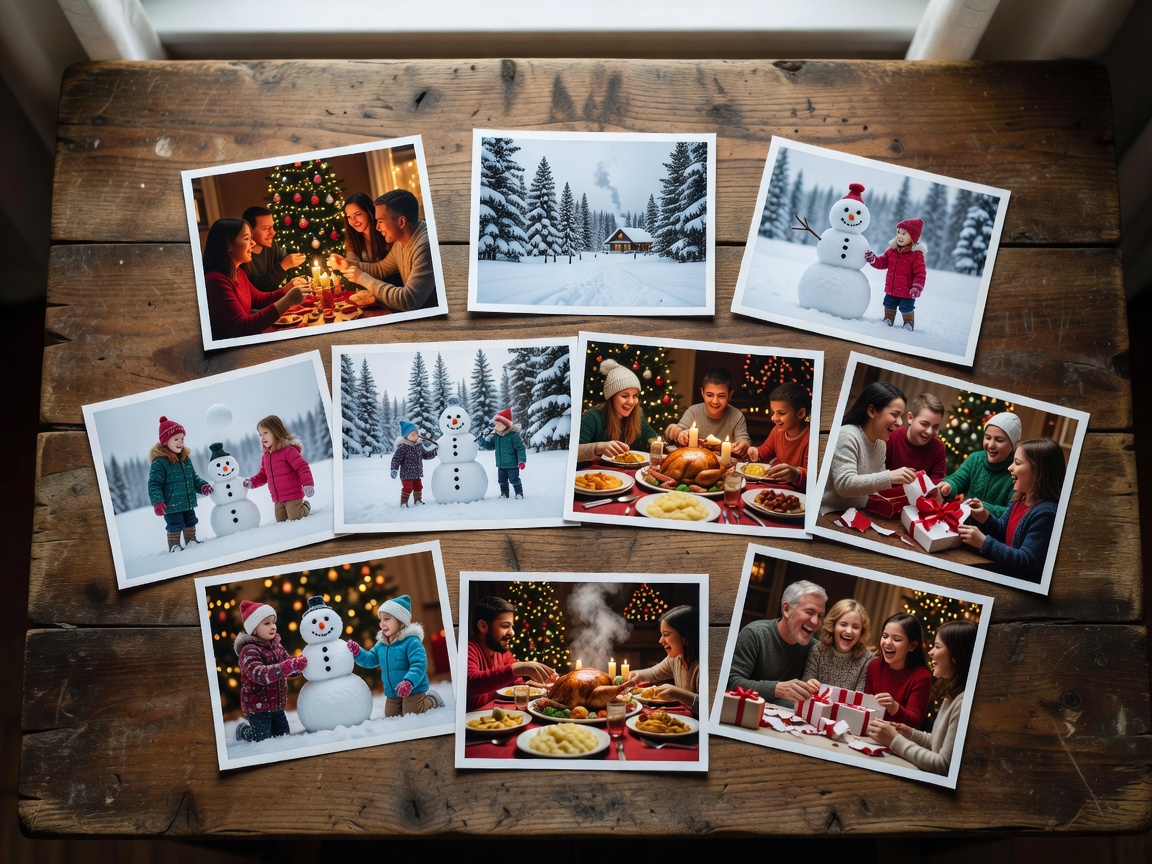
Library sizes that work
- 100–300 tiles
Fine for small prints or screens if repetition is allowed and spaced.
- 500–1,000 tiles
A comfortable middle ground for posters around 50 × 70 cm.
- 1,000–5,000 tiles
Wall pieces with thousands of cells and few noticeable repeats.
Think in tones, not memories
When people assemble tiles from a phone camera roll, the library usually skews towards bright, mid-tone daylight scenes: beaches, birthday tables, garden afternoons. The main image, meanwhile, demands deep shadows in hair, dark clothing and backgrounds. If no tile is dark enough, the software substitutes the nearest mid-tone and the shadows turn grey and flat. This is the single most common reason a first mosaic looks muddy.
A practical fix is to sort your candidate tiles into five tonal buckets, from very dark to very light, before you start. If the darkest bucket holds fewer than about 10% of your tiles, go looking for evening photos, indoor shots without flash, silhouettes and night skies. Do the same for the lightest bucket: snow, overexposed skies, white walls, paper.
Crop consistently
Every tile ends up the same shape, so decide the shape first. Square tiles are universally supported and hide orientation differences; rectangular tiles (4:3 or 3:2) keep more of each photograph and suit landscape-heavy collections. Most makers crop automatically from the centre, which can behead people. For tiles that matter, such as family faces at a wedding mosaic, crop by hand so the face sits in the middle.
Resize tiles to a sensible working size. Storing each at around 300 to 600 pixels on the long edge keeps indexing fast while still providing enough detail for close inspection of large prints.
Decide your repetition tolerance
Repetition is inevitable when cells outnumber tiles. A 70 × 100 grid has 7,000 cells; with 700 tiles, each image appears around ten times on average. That is perfectly acceptable if repeats are spaced. Most makers offer a minimum distance between identical tiles. As a starting point, try a spacing of at least eight to ten cells, then inspect at 100% zoom for diagonal stripes or clusters.
- Low tolerance (gifts where guests hunt for their photo): use a large library and strict spacing.
- Medium tolerance (decorative wall art): allow repeats, enforce spacing.
- High tolerance (texture-driven pieces): repeats become part of the rhythm.
Selection methods for personal photos
Four approaches tend to work, and you can combine them:
- Story-first: include every photo from an event, then fill tonal gaps with neutral textures.
- Palette-first: pick photos for colour, ideal when the main image has a dominant hue such as a coral sunset.
- Theme-first: tiles share a subject, such as dogs, doors or plates of food, for a playful second reading.
- Hybrid: meaningful photos in prominent areas, filler textures elsewhere.
Privacy and permissions
If you're making a mosaic from other people's photos, for a reunion or a company anniversary, ask before including faces, especially of children, and especially if the result will be published online. Tiles are tiny, but zooming tools make every one visible.
With a library ready, the next decision is how strictly tiles must match: let colour support the larger image.